

Auto Mode on Claude Code Review: Pros, Cons, Pricing, and Who Should Buy
Auto mode on Claude Code is Anthropic’s model-routing default for eligible Claude Code subscribers: the product selects a model for the task instead of locking every session to one fixed choice. For Pro, Max, and Team plans, that routing path is now the starting configuration rather than an optional switch. 1. Confirm you are on a Claude Code–eligible Pro, Max, or Team subscription via the official Claude site. 2. Open Claude Code CLI and verify Auto mode appears as the active routing setting. 3. Run a representative coding task and review which model class the router selects. 4. Override only when a workflow needs a pinned Claude Code default model for cost or determinism. 5. Re-check plan limits and usage economics on the Claude pricing page before team rollout.
What Is Auto Mode on Claude Code and Who Is It For?
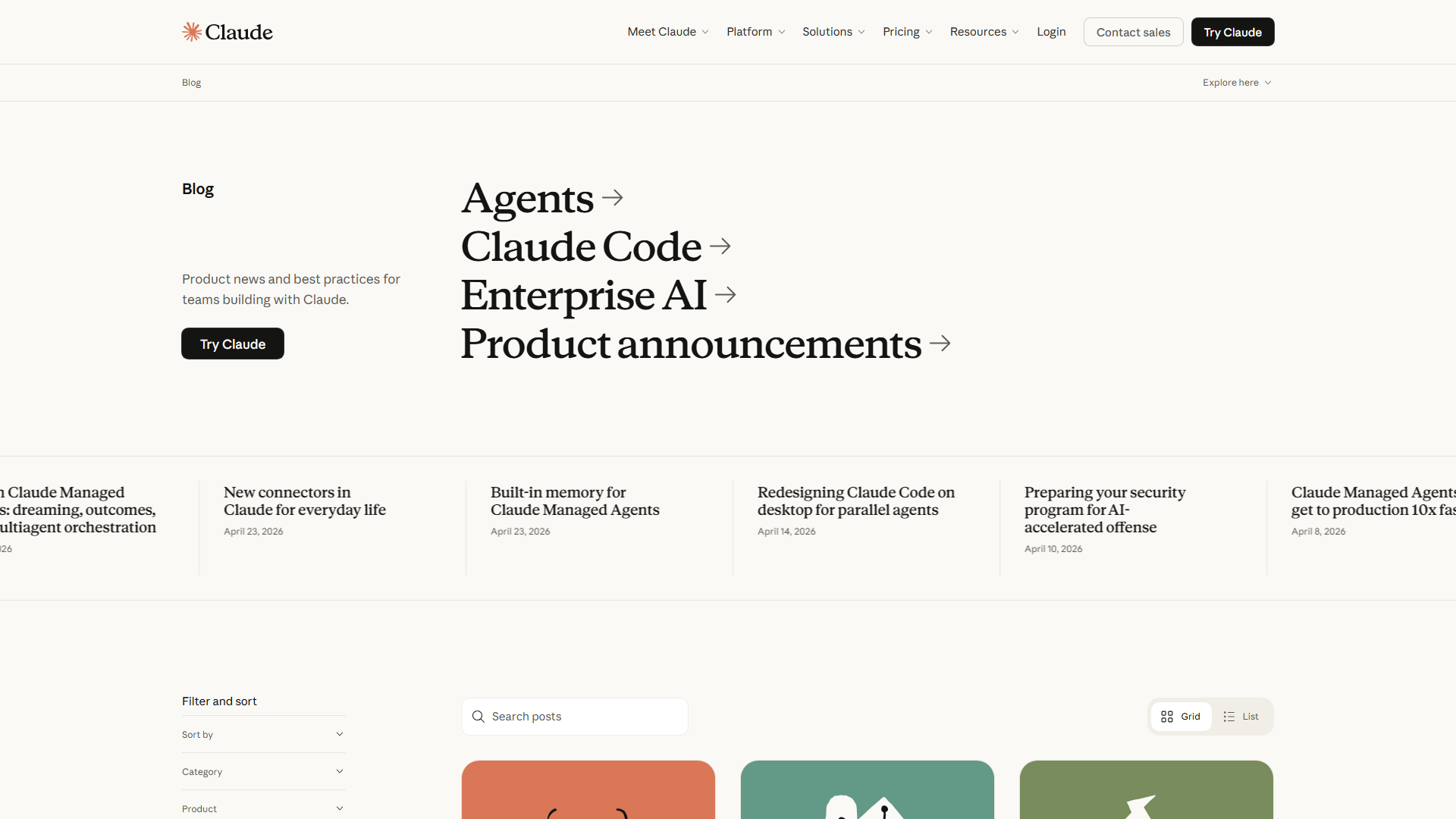
What is auto mode on Claude Code? In product terms, it is a default routing behavior inside Claude Code that chooses an appropriate model for the job rather than forcing operators to pick a model for every prompt. Anthropic’s product update states that Auto mode is now the default in Claude Code for Pro, Max, and Team plans, which shifts the baseline for developers using Claude Code CLI daily—see the announcement on the Claude blog post on Auto mode as default.
Claude itself is used for analysis, writing, coding assistance, and agent-style workflows across chat and API surfaces. Claude Code narrows that value to repository-aware CLI work: editing, refactoring, test generation, and multi-step engineering tasks under a subscription that includes Claude Code access. The business case relies on reducing decision friction for teams that previously spent time debating Claude Code default model selection before productive work started.
Primary buyers are Claude Code Pro, Max, and Team subscribers who treat the CLI as a daily engineering surface. Secondary buyers include engineering managers comparing Claude Code against GitHub Copilot and Cursor on throughput, governance, and spend predictability. Teams that already standardize on a single pinned model for compliance or cost caps should treat Auto mode as a default to evaluate—not an irreversible mandate—because overrides remain part of a sound operating model.
How to use Claude Code under the new default
How to use Claude Code in practice stays familiar: install or update the CLI, authenticate with an eligible plan, open a project directory, and issue task prompts with clear acceptance criteria. Auto mode on Claude reduces the upfront model-selection step, so onboarding scripts and runbooks can emphasize task framing, repo context, and review gates instead of model menus.
For rollout, define trusted infrastructure first: which machines may hold credentials, which repos are in scope, and which outputs require human review before merge. Common boundaries include secrets handling, production write access, and long-running agent loops without observability. Organizations that already struggle with agent session visibility often parallel the same failure modes covered in guides on why agent observability gaps appear in production stacks—the lesson for Claude Code is to log model route, tool calls, and approval points from day one.
Claude Code’s Standout Features (And Hidden Limitations)
Auto mode’s standout feature is operational defaulting: Pro, Max, and Team users begin in a router-first posture, which cuts configuration tax for mixed workloads (quick edits versus deeper multi-file changes). Documentation-oriented buyers should maintain an internal Documentation Index that maps Auto mode behavior, override commands, and plan entitlements so support tickets do not depend on tribal knowledge.
Where the classifier reads configuration matters for governance. Teams should document which settings files, environment variables, and project-level preferences influence routing, then standardize those paths in onboarding. Enterprise users often report that inconsistent local configs create “works on my machine” spend variance even when list prices are identical across seats.
| Capability | Business Benefit | Hidden Limitation | Buyer Impact |
|---|---|---|---|
| Auto mode default routing | Fewer manual model switches for daily CLI work | Less deterministic model choice unless pinned | Faster start; harder cost attribution per task |
| Claude Code CLI workflow | Repo-context coding inside the terminal | Requires process for review and merge gates | Higher throughput only with QA discipline |
| Pro / Max / Team plan paths | Seat models for individuals and teams | Entitlements and usage envelopes differ by tier | Wrong tier selection raises TCO quickly |
| Pinned Claude Code default model | Predictable behavior for CI-like loops | Gives up router flexibility | Useful for regulated or fixed-budget pipelines |
Claude Code default model controls
How do I set the default model in Claude Code? Treat it as a deliberate override of Auto mode when determinism, evaluation baselines, or budget caps require a fixed route. Set and document the Claude Code default model in the same place your team stores CLI config, then validate with a short golden-task suite so routing changes do not silently alter quality or latency.
Best practice is split by workload: keep Auto mode on Claude for exploratory coding and mixed ticket queues; pin a model for replayable benchmarks, customer demos, or overnight batch refactors. That dual policy is usually cheaper than forcing every engineer into a permanent pin or a permanent auto path.
Is Claude good for coding relative to alternatives?
Is Claude good for coding? For many engineering orgs, yes—especially when the work needs long-context reasoning across files and iterative tool use inside Claude Code. The competitive set is concrete: GitHub Copilot remains strong for IDE-native completion, Cursor competes hard on agentic editor workflows, and ChatGPT-centered coding stacks remain common for teams standardized on OpenAI tooling.
A fair commercial investigation compares Claude vs Claude Code carefully: Claude is the broader assistant/API product family; Claude Code is the CLI-oriented coding surface. Claude API vs Claude Code is likewise a build-vs-buy boundary—API work favors custom platforms, while Claude Code favors time-to-productivity for developers already living in the terminal.
The Real Cost: Claude Pricing Breakdown
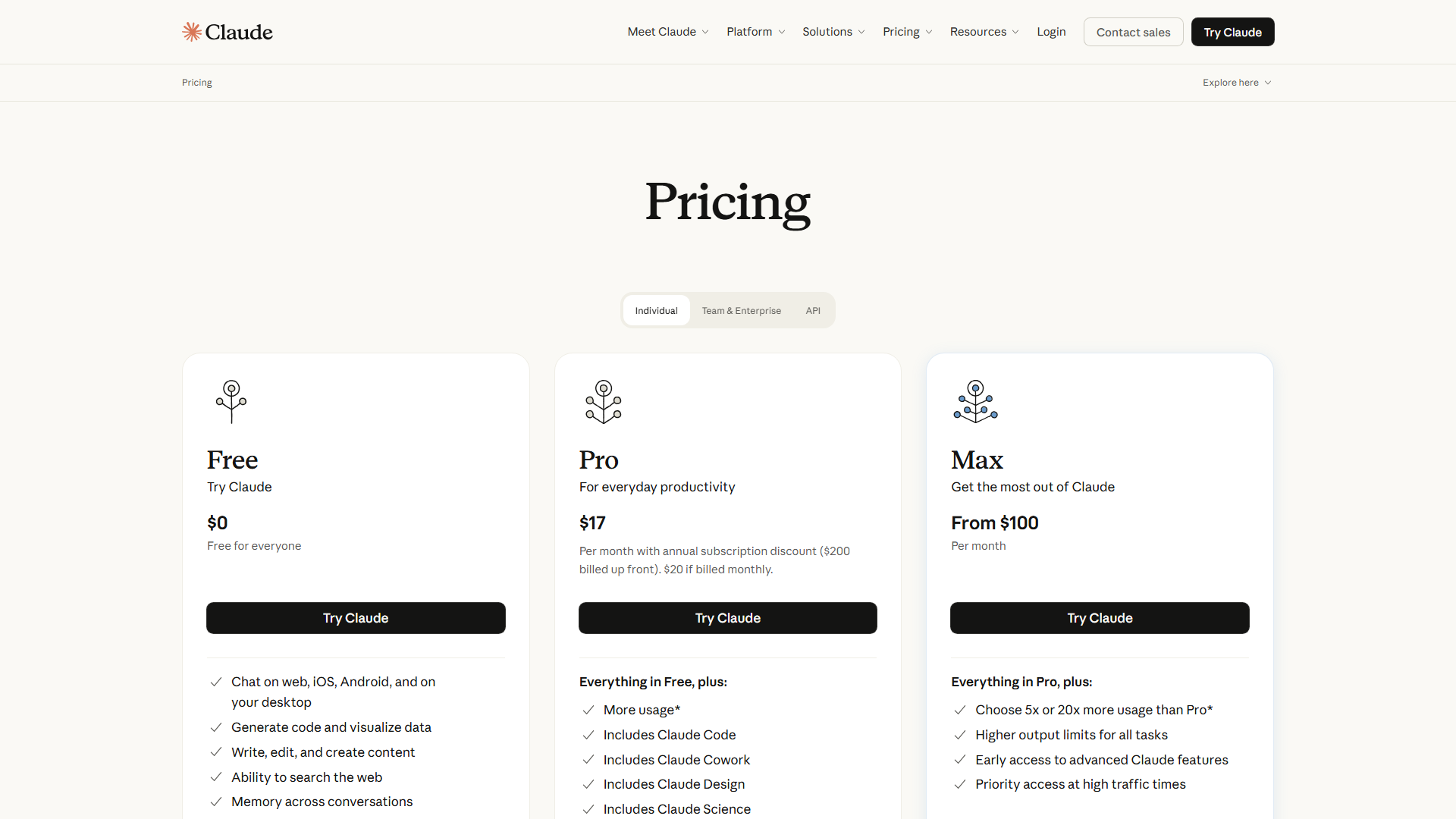
How much does Claude cost, and how much does Claude cost per month? List prices and included usage move with plan design, so exact monthly figures should be confirmed on the official Claude pricing page before any budget lock. Qualitatively, buyers typically choose among individual-oriented Pro access, higher-capacity Max access, and Team packaging for shared administration—then layer Claude Code usage patterns on top of those seats.
When we factor in TCO, subscription list price is only the visible line item. Soft costs include onboarding time, review overhead, failed-run retries, and the opportunity cost of pinning the wrong Claude Code default model for an entire squad. Published case studies report ROI of AI coding tools primarily through cycle-time reduction and defect avoidance—not through seat price alone—so finance partners should model hours saved against fully loaded engineer cost rather than comparing sticker prices in isolation.
| Cost Component | What Drives Spend | ROI Signal to Track | Analyst Guidance |
|---|---|---|---|
| Subscription tier (Pro / Max / Team) | Seat count and plan capacity | Active CLI days per seat | Verify current tiers on the official pricing page before forecasting |
| Model routing under Auto mode | Task mix and router choices | Tokens or usage units per merged PR | Sample two weeks of Auto vs pinned routes |
| Engineering review time | Human QA on agent output | Rework rate after AI-assisted PRs | Keep review mandatory for high-risk paths |
| Tooling adjacency | IDE assistants used in parallel | Duplicate-tool spend | Avoid paying for Copilot + Cursor + Claude Code without role split |
Claude Code Pro vs Max vs Team (value lens)
Claude Code Pro vs Max is chiefly a capacity and headroom decision for heavy individual users, while Claude Team vs Pro/Max adds administration and shared-team packaging considerations. The ROI potential appears to be strongest when Max-level capacity prevents throttling during peak delivery weeks, or when Team controls reduce shadow-IT spend on unsanctioned AI tools.
Budget owners should also separate Claude chat usage from Claude Code CLI usage in reporting. Blended dashboards hide whether Auto mode on Claude Code is delivering coding ROI or simply absorbing general assistant demand that belongs on a different workflow.
Where Claude Code Falls Short (Critical Analysis)
Auto mode’s core limitation is attribution. When the router selects models dynamically, finance and platform teams lose a clean one-model-per-task ledger unless logs capture the route. That weakens chargeback models and complicates A/B quality comparison against a pinned baseline.
Second, Auto mode does not remove the need for common mistake fixes: vague prompts, missing tests, overly broad write permissions, and silent config drift. If local settings diverge, two engineers on the same Team plan can see different routing behavior and draw false conclusions about product quality.
Third, competitive pressure remains real. GitHub Copilot may win on IDE gravity; Cursor may win on tightly integrated editor agents; ChatGPT-based stacks may win on existing enterprise agreements. Claude alternative for coding decisions should be scored on repo depth, admin controls, and TCO—not brand preference. Should I use Claude or ChatGPT? Use Claude Code when terminal-native, multi-file agent work is the bottleneck; keep ChatGPT-centered tools when organizational standards and existing automations already orbit OpenAI.
| Risk | Business Effect | Mitigation | Owner |
|---|---|---|---|
| Opaque model routing | Harder unit-cost analysis | Log selected model per session | Platform Eng |
| Config drift across laptops | Inconsistent quality and spend | Centralize settings + Documentation Index | DevEx |
| Over-permissioned agents | Security and compliance exposure | Define trusted infrastructure boundaries | Security |
| Duplicate AI subscriptions | Inflated TCO | Role-based tool standard (Copilot vs Cursor vs Claude Code) | Engineering Ops |
Final Verdict: Is Claude Code Worth the Investment?
Is Claude worth it for coding teams? For Claude Code Pro, Max, and Team subscribers who already live in the CLI, Auto mode as the default improves time-to-first-useful-edit and reduces model-selection politics. The investment case is strongest when teams measure merged-work throughput and rework, then tune Auto versus pinned defaults with evidence.
Buy if your org needs a default-on coding agent path with clear Anthropic plan packaging and is willing to add logging, review gates, and a short policy for when to set the default model manually. Pause if you need fully deterministic model choice on every run, or if an existing Copilot/Cursor agreement already covers the same jobs at lower incremental TCO.
Next step for buyers: read the product change context on the Claude blog, confirm entitlements on pricing, and run a two-week pilot that compares Auto mode on Claude Code against a pinned Claude Code default model on the same ticket mix.
| Buyer Profile | Recommended Posture | Why | Watch-out |
|---|---|---|---|
| Individual Pro CLI power user | Keep Auto mode; pin only for benchmarks | Speed over perfect cost attribution | Monitor personal usage spikes |
| Max subscriber on large refactors | Auto mode default + weekly cost review | Headroom for heavy sessions | Do not skip PR review rigor |
| Team plan engineering org | Auto mode + org config standard | Consistent onboarding | Enforce trusted infrastructure rules |
| Org standardized on Copilot or Cursor | Pilot Claude Code on one squad first | Prove incremental ROI before expansion | Avoid triple-tool spend |
Bottom Line for Budget Owners
Auto mode on Claude Code changing to the default for Pro, Max, and Team is a packaging and productivity decision more than a feature novelty. The winning operating model pairs Auto mode for daily velocity with selective pins for cost control and reproducibility.
If your developers already use Claude Code CLI daily, adopt the default, instrument routing, and compare outcomes against GitHub Copilot or Cursor on the same backlog slice. Confirm live plan economics before expansion, and treat model policy as a governed engineering standard—not a personal preference.